Documentation
How To Use The Semflow Webflow App
Step 1
Choose a Paid Plan and Start Your Free Trial
Semflow offers a free 7 day trial on both the Starter and Pro plan.
See Pricing Plans

.png)
Step 3
Authorize Semflow
Select the sites you want to optimize with Semflow. You can always go back and add more later.

Step 4
Find Semflow in the Webflow Designer
Just click the "Apps" icon as shown below.

You will then be prompted to login.
**Be sure to use the same email and password you used to sign up.

Step 5
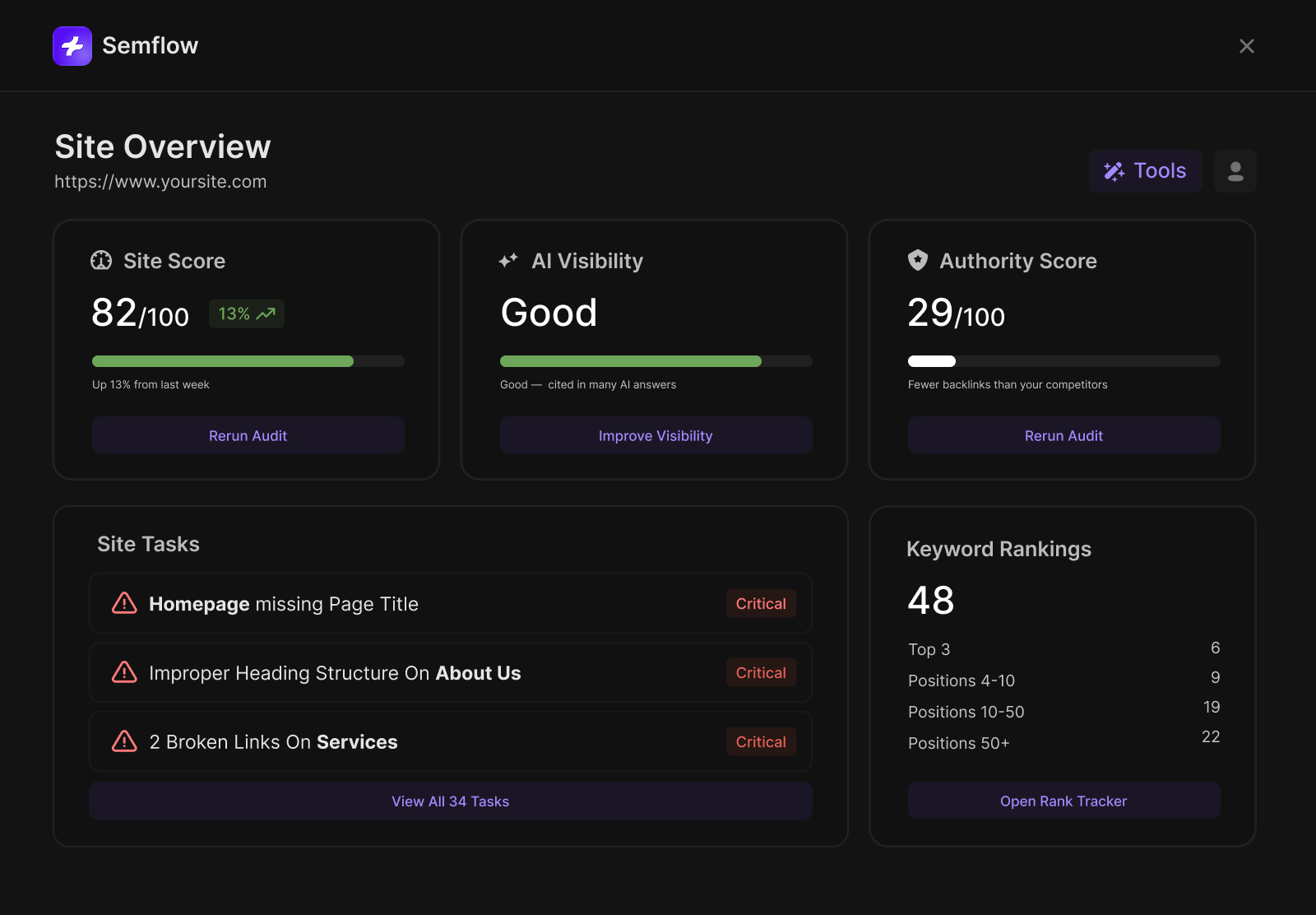
See Your Starting SEO Score
You are now ready to optimize each of your site pages to improve your SEO score!