Use Semflow on any site on any platform with the new Semflow Chrome Extension
.svg)




.png)
Fix SEO issues right in your builder
Fix SEO issues right in your builder.
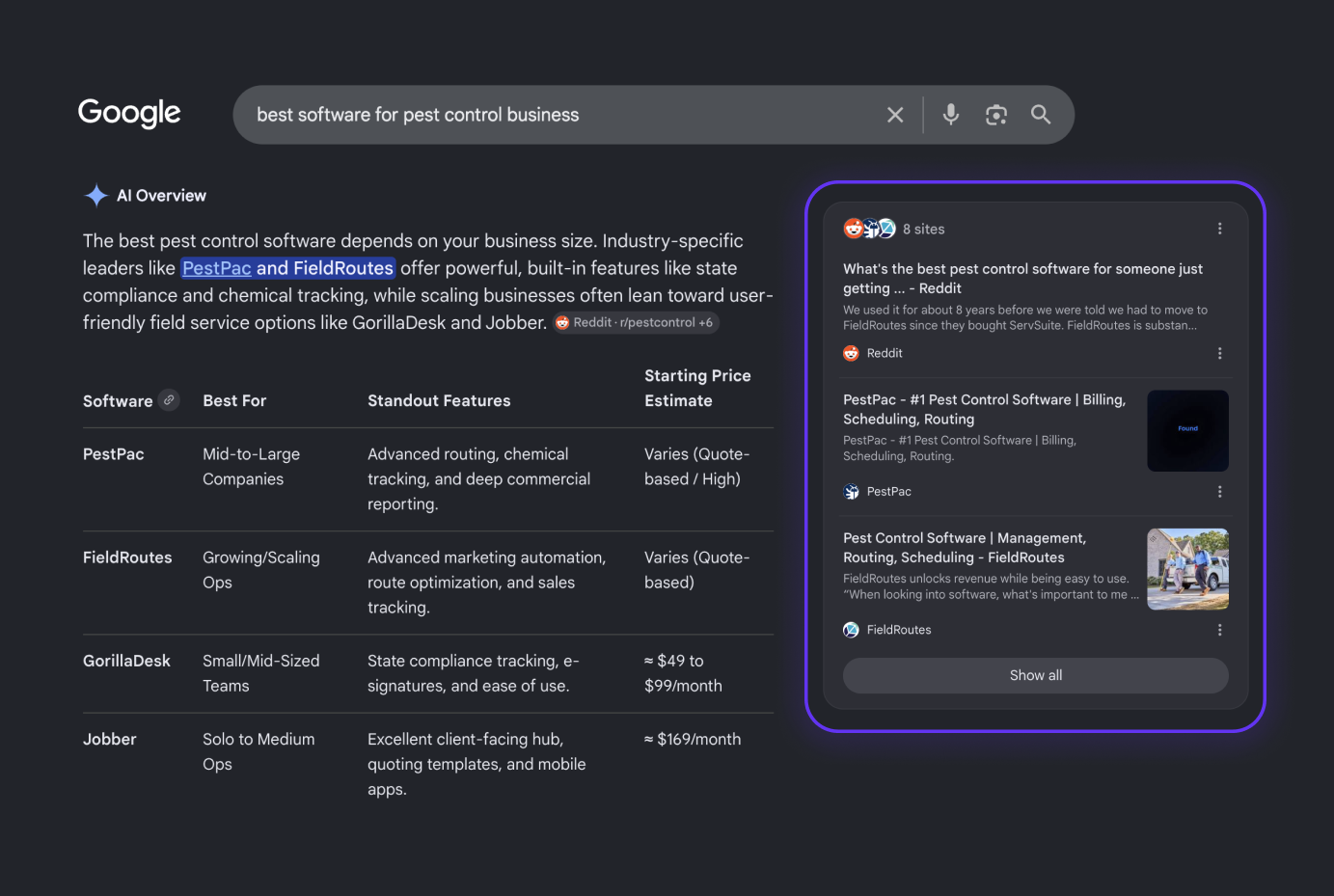
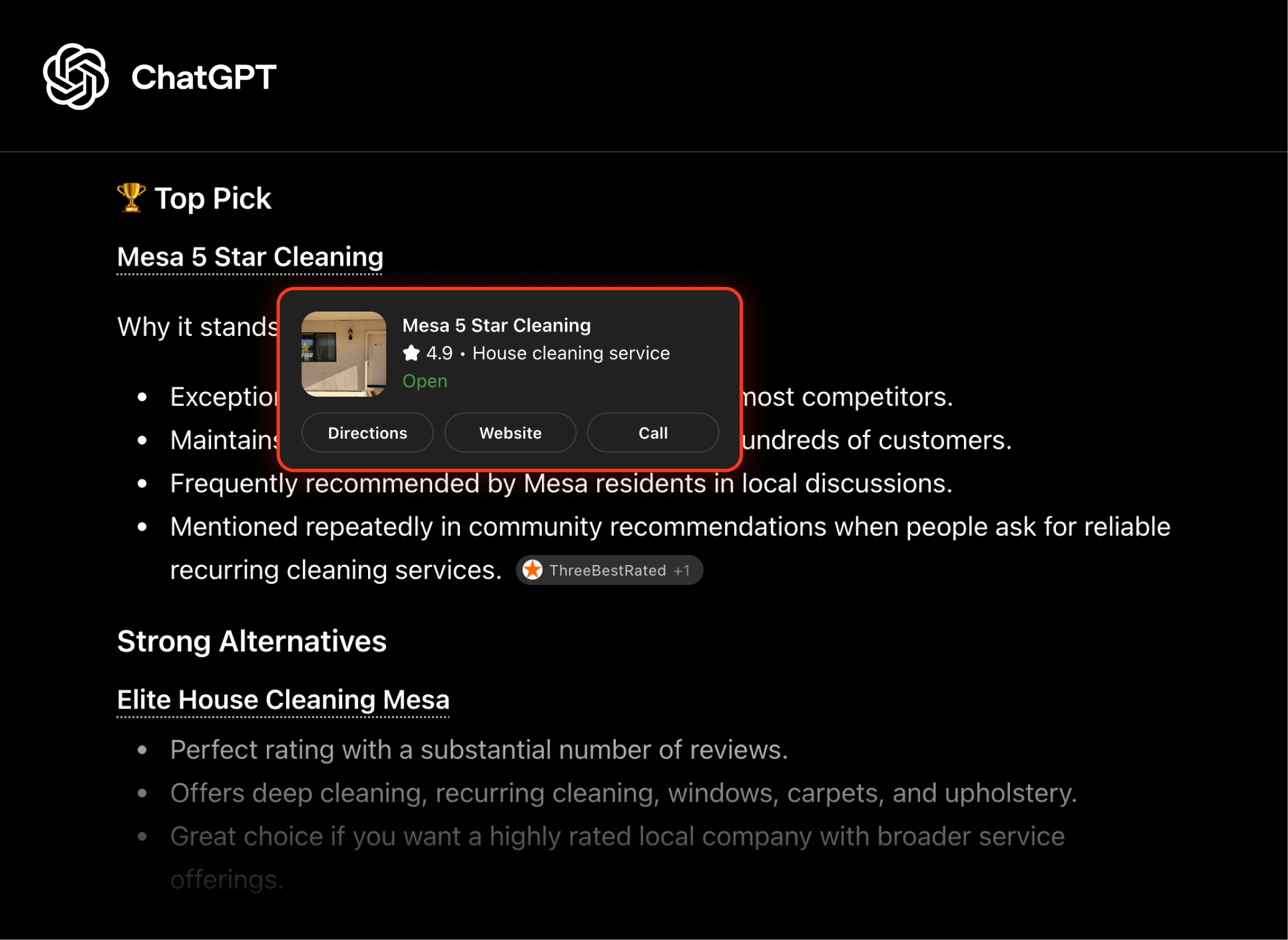
See if AI chats recommend you
See if AI chats recommend you.
Track progress with client-ready reports
Track progress with client-ready reports.



Trusted by 22,000+ site owners, freelancers and agencies
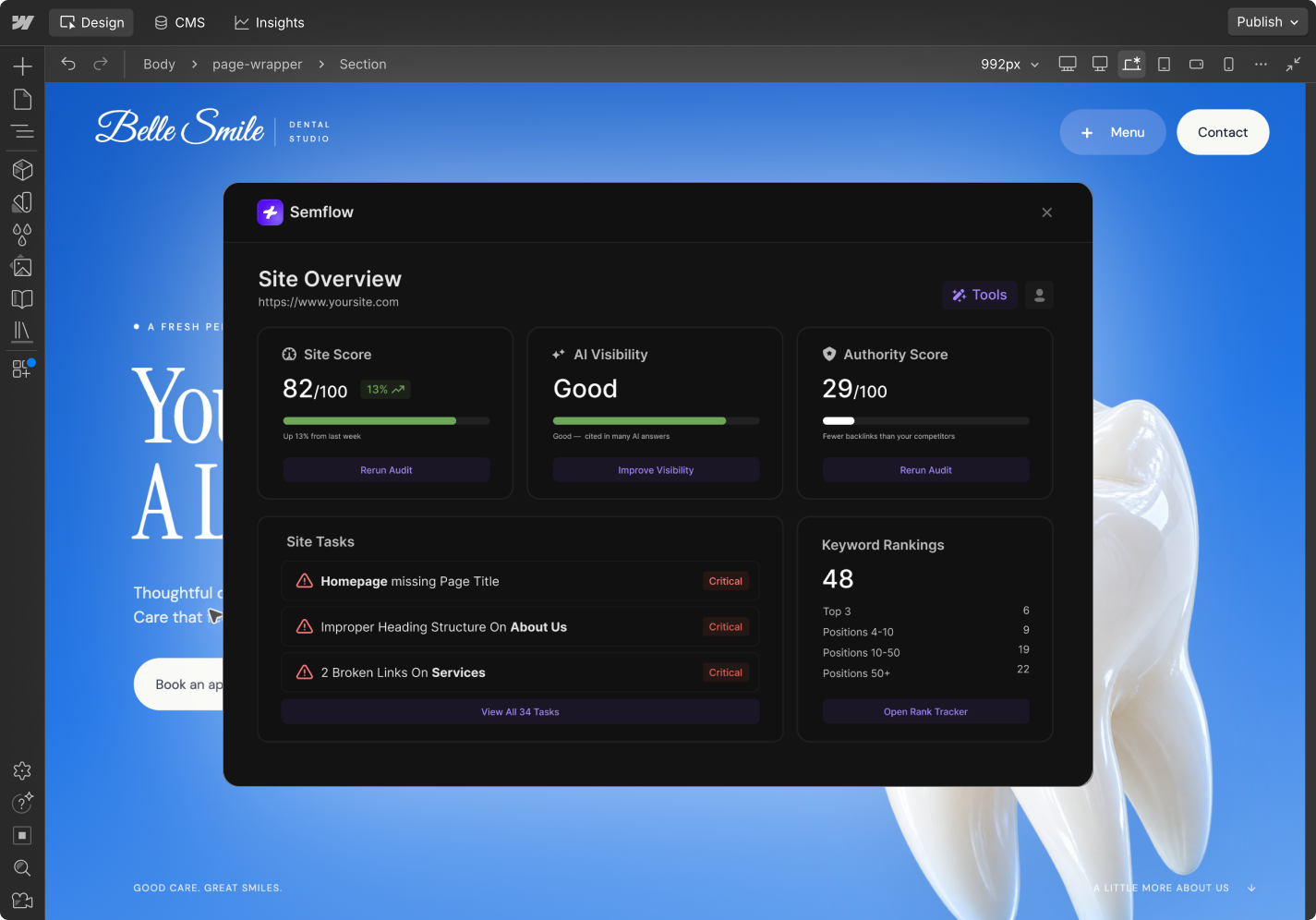
Audit & Optimize
Semflow checks every page of your site, ranks each issue by impact, and walks you through the fix, so you always know where to start.
Rank Everywhere
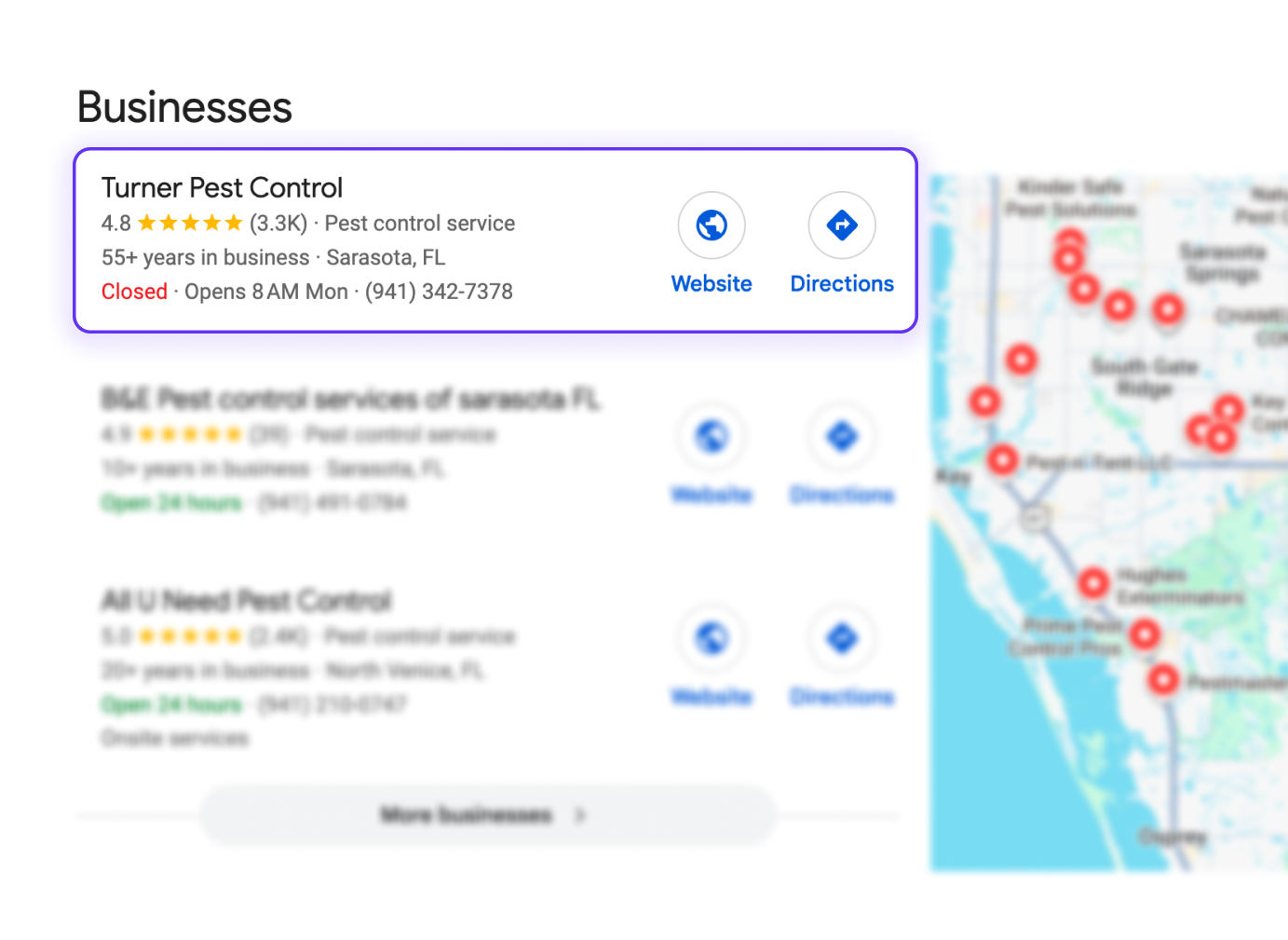
See whether ChatGPT, Perplexity, Gemini and Google’s AI answers mention your site, find out what’s holding you back, and track your visibility as you fix it.
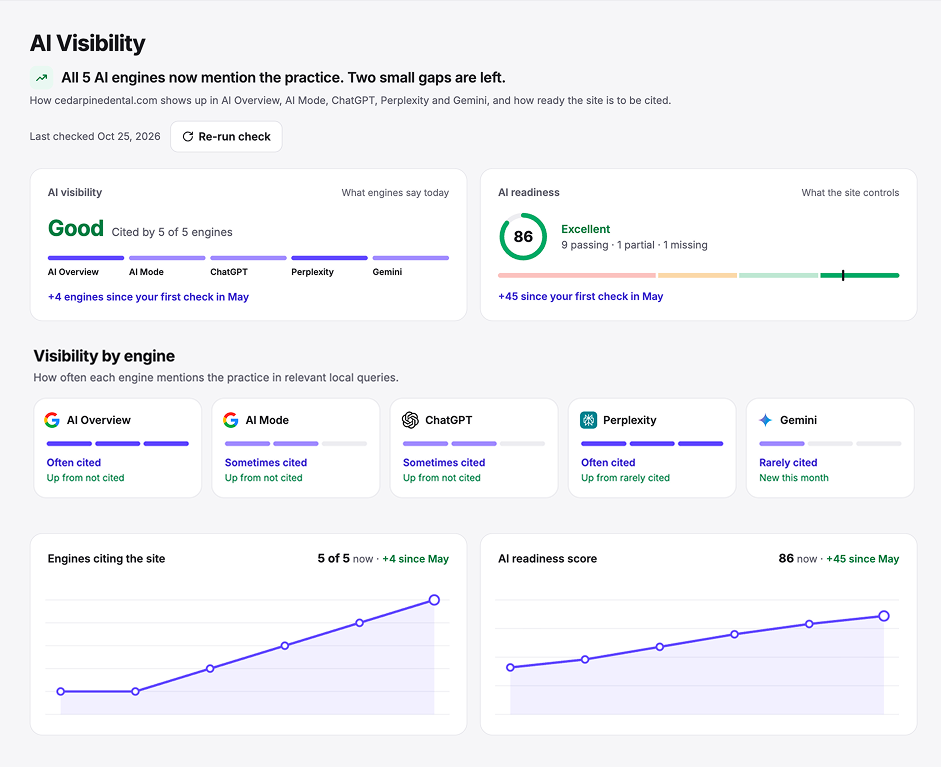
Track Your Progress
Automatic re-audits catch problems before your clients do.
Rankings, site score and AI visibility tracked over time, for every site in one dashboard.
Client-ready PDF reports that show the work is paying off.
Why Semflow
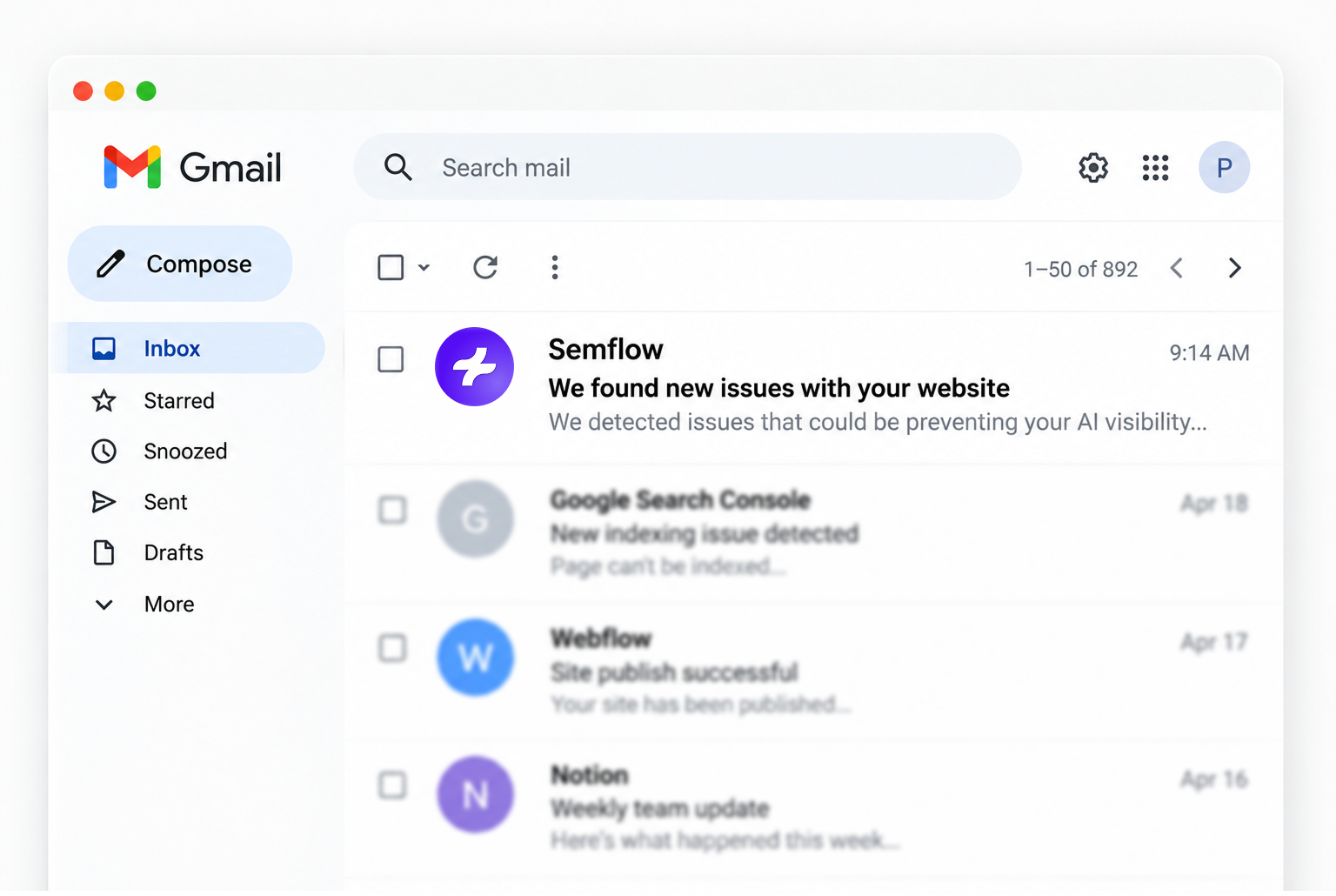
AI can draft a meta description in seconds. But it doesn't monitor your site, track results, or display them in a way that clients understand. Semflow is the part AI leaves out.
7-day free trial · Results in 60 seconds
You don't need an expensive full suite SEO tool. Semflow gives you everything you need and nothing you don't.

$2,000+
/year

$1,500+
/year
$120
/year
$1,000+
/year
Users have optimized their site with Semflow.



Shreyas K.


As a product it's awesome! Semflow has saved me a lot of time on the SEO of my Webflow sites.

Mike Trif
The way it walks you through each step feels like a breeze. Even if you know nothing about SEO, you can't help but still end up with a fully optimized website 😆.
Dan Potter

Great tool! Combining a few different tools into one, and all within Webflow and Framer... And remarkably inexpensive for what it is.
Cade Biegel
This is a must if you're on Webflow and care about your SEO. Super easy to use even if you don't have experience with on-page SEO.
M
M. Prakash
Hands down the only tool you need for SEO, if you're a Webflow or Framer user.

Matthew H.
The simplicity of this tool has given me real confidence in managing SEO for my clients, and it's an absolute steal vs other platforms on the market.

Tin Majetić
Semflow is very easy and intuitive! The visual score per page for all SEO metrics makes it really simple to implement.
A. Williams
I love Semflow! Such a great tool, easy to use and packed with extremely helpful SEO information.
H
Hami Jalali
I love it! I didn't realize how good it was until I had to use it for multiple websites and it saved me a lot of time.

Black Friday Deal
Special pricing locked in as long as you stay subscribed.
Semflow is an AI SEO assistant that works inside the design tools you already use. It audits your pages, scores your SEO, and gives you a personalized task list to fix issues — built natively into Webflow and Framer, and now available on any website through the Semflow Chrome extension.
Most SEO tools live in a separate dashboard you have to check manually. Semflow works inside your builder — or your browser, via the extension — so you see and fix issues while you're already designing, combining on-page audits, keyword research, rank tracking, schema markup, and AI visibility tracking in one subscription instead of five separate tools.
Yes. The Semflow Chrome extension brings full site audits, keyword research, and optimization guidance to any website on any platform — Shopify, WordPress, Squarespace, custom-coded sites, and more — not just Webflow and Framer.
Yes. Alongside traditional Google ranking factors, Semflow checks whether your pages are structured in a way AI answer engines like ChatGPT, Perplexity, and Google AI Overviews can understand and cite, so you're optimizing for search rankings and AI visibility at the same time.
Yes. Every Semflow plan includes a 7-day free trial, so you can run a full site audit and see your SEO score before you pay anything.
Starter is $14/month, or $10/month billed annually, and Pro is $29/month, or $19/month billed annually. Both plans include unlimited sites, and one subscription covers Webflow, Framer and the Chrome extension, so there's no need to pay separately for each platform.
Yes. Every plan supports unlimited sites across Webflow, Framer and any site via the Chrome extension, and Pro adds detailed PDF reports you can share with clients, making Semflow built for freelancers and agencies handling several client websites at once.
No. Semflow doesn't add code to your published site — it runs as a design-time assistant in your builder or browser, so your visitors' page speed and your site's code are never affected.

.svg)
.svg)