Platforms


Optimize your site, do keyword research, improve AI visibility and more – Right in Webflow.
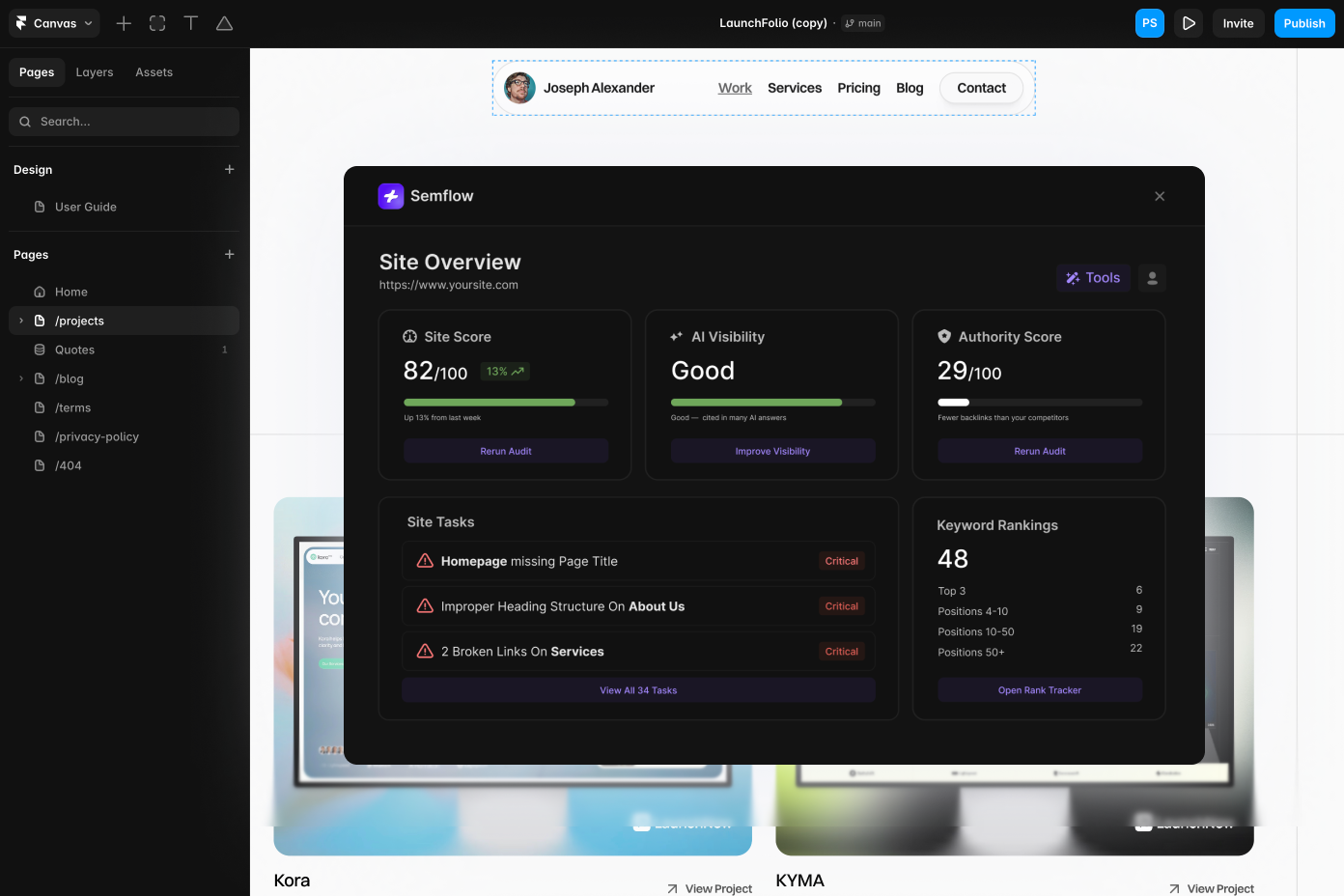
Without ever leaving the Framer designer!

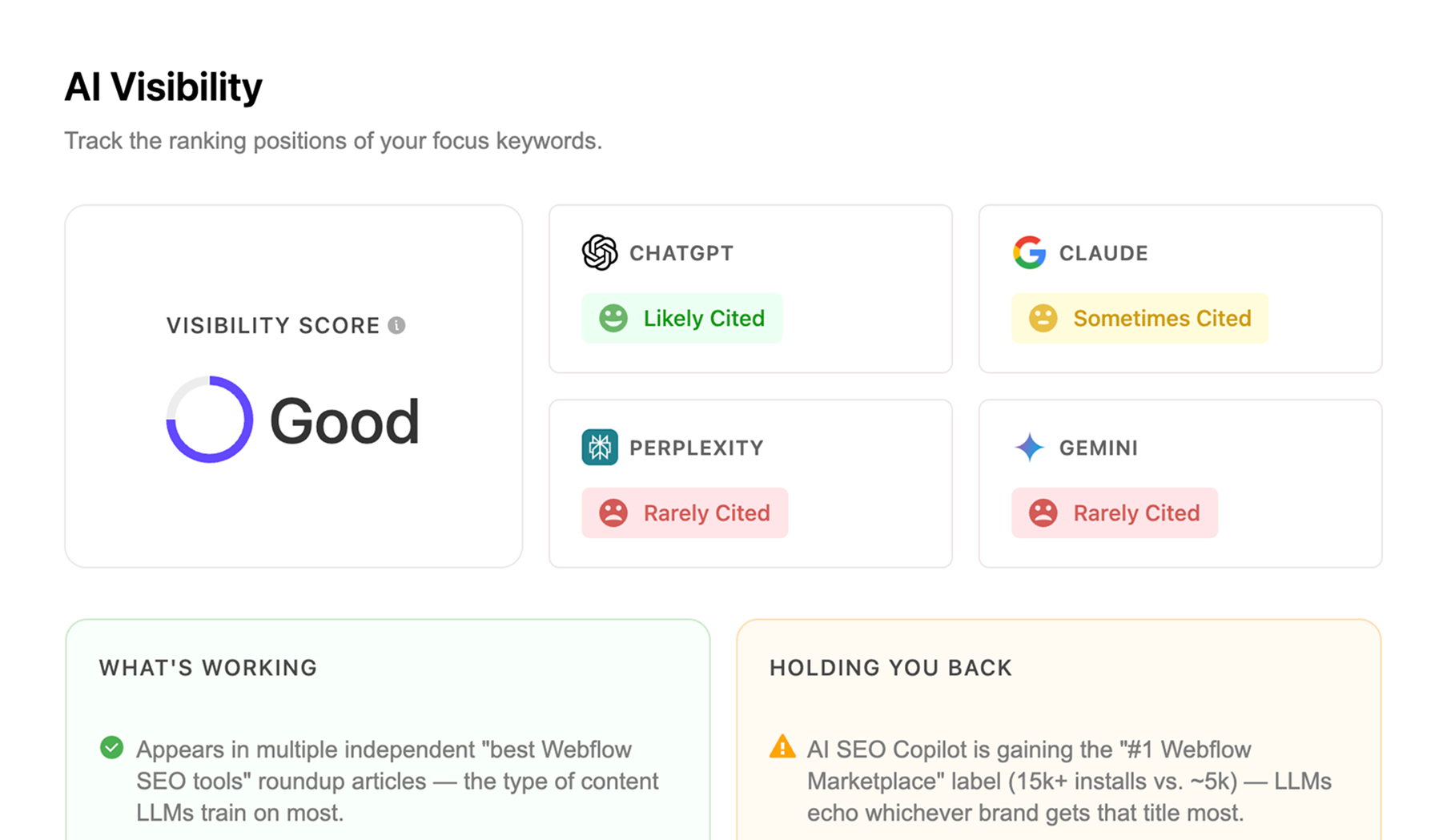
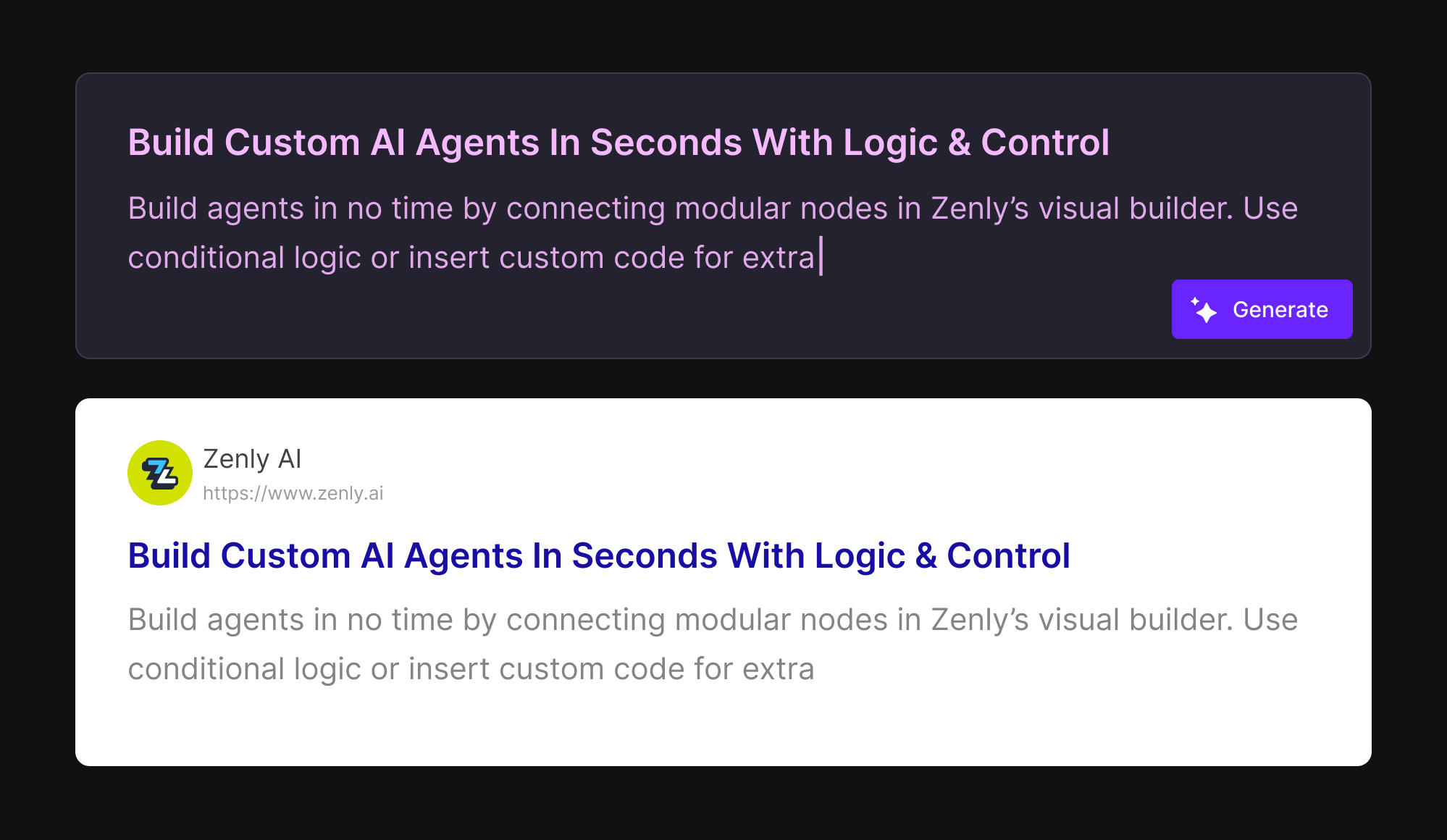
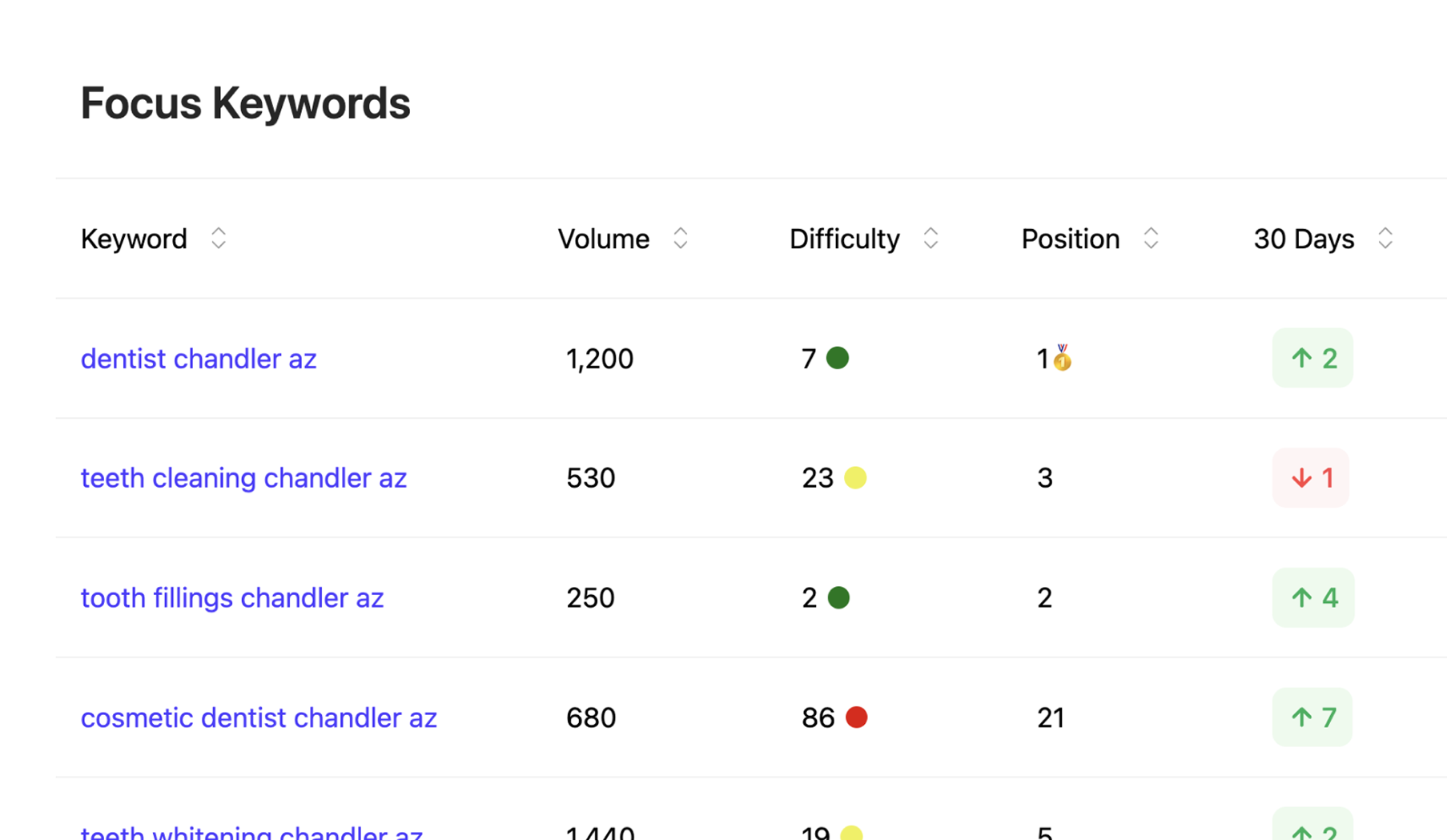
Users have optimized their site with Semflow.



Shreyas K.


As a product it's awesome! Semflow has saved me a lot of time on the SEO of my Webflow sites.

Mike Trif
The way it walks you through each step feels like a breeze. Even if you know nothing about SEO, you can't help but still end up with a fully optimized website 😆.

Dan Potter

Great tool! Combining a few different tools into one, and all within Webflow and Framer... And remarkably inexpensive for what it is.

Cade Biegel
This is a must if you're on Webflow and care about your SEO. Super easy to use even if you don't have experience with on-page SEO.
M
M. Prakash
Hands down the only tool you need for SEO, if you're a Webflow or Framer user.

Matthew H.
The simplicity of this tool has given me real confidence in managing SEO for my clients, and it's an absolute steal vs other platforms on the market.

Tin Majetić
Semflow is very easy and intuitive! The visual score per page for all SEO metrics makes it really simple to implement.

A. Williams
I love Semflow! Such a great tool, easy to use and packed with extremely helpful SEO information.
H
Hami Jalali
I love it! I didn't realize how good it was until I had to use it for multiple websites and it saved me a lot of time.

Upgrade or change your plan at any time.
Framer includes basic SEO fields like page titles and meta descriptions, but it doesn't offer site audits, keyword research, rank tracking, or AI-assisted optimization on its own. Semflow adds those capabilities directly inside your Framer workflow.
Semflow audits your Framer site, scores it against SEO ranking factors, and gives you a personalized task list — plus keyword research with search volume and difficulty, rank tracking, one-click meta titles and descriptions, and a schema markup builder.
Install the Semflow Framer App, open your project in the Framer editor, click the Semflow icon, and sign in. Semflow will crawl your project and generate your SEO score and task list, the same workflow as in Webflow.
Yes. Semflow's keyword research tool shows monthly search volume and difficulty for any keyword, plus personalized keyword suggestions based on your Framer page content, so you can pick targets before you optimize.
Yes. Semflow audits and scores CMS collection pages in Framer just like static pages, so blog posts, product pages, and other dynamic content get the same SEO checks and metadata tools.
No. Semflow works as a design-time tool connected to your Framer project — it doesn't add code to your published site, so your live site's performance isn't affected.
Yes. One Semflow subscription covers both Framer and Webflow, so you don't need to pay for two separate tools if you build on both platforms.
If you want more than basic title and meta fields, yes — Semflow adds full site audits, an SEO score, keyword research, rank tracking, schema markup, and AI-assisted recommendations that Framer's native settings don't include.
.svg)
.svg)